Look up any of 370+ devices, troubleshoot with an AI that reads the manufacturer's own documentation, identify hardware from a photo and check the code — from your phone, in English or Spanish.
Free 7-day trial · No card needed · Cancel any time
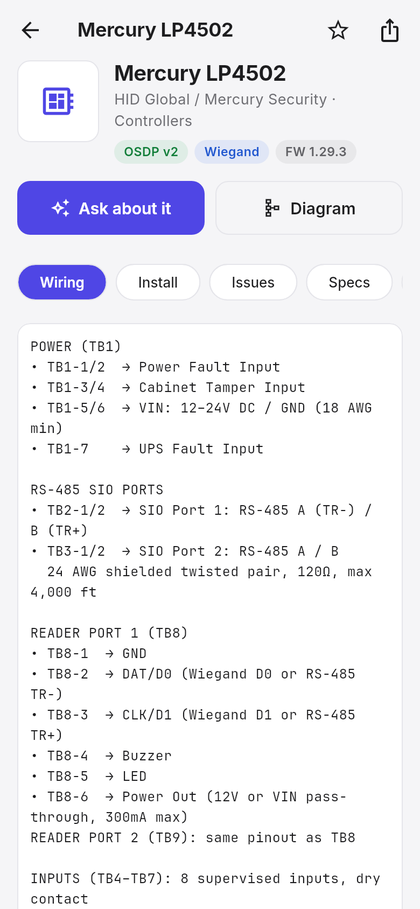
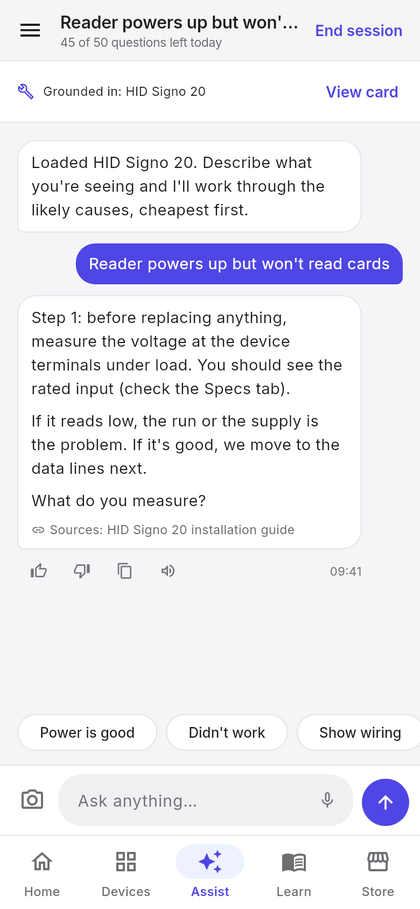
Covers the hardware technicians actually see
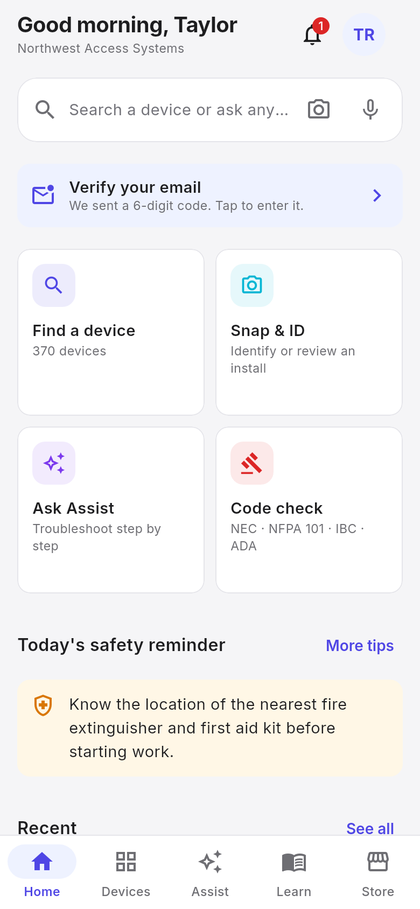
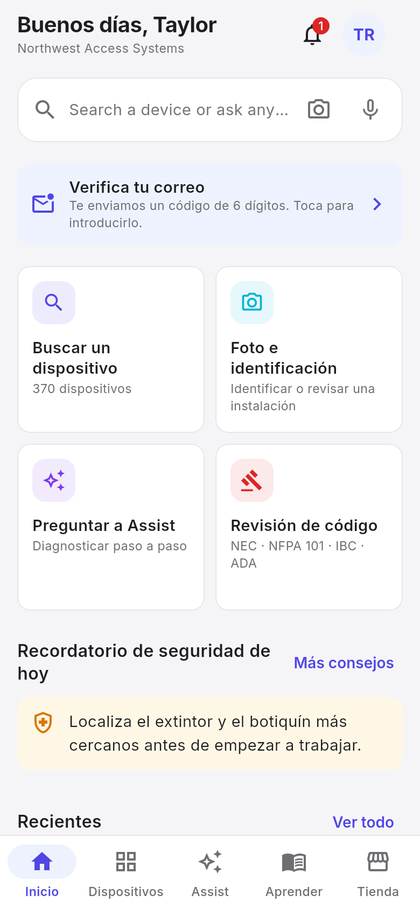
Five tabs — Home, Devices, Assist, Learn and Store — and every one of them built for the trade.
370+ controllers, readers, locks, strikes, power supplies, intercoms and cameras — each with wiring, install notes, common issues, documents and a generated diagram.
Describe the fault. Assist works through the likely causes step by step, grounded in 986 manufacturer documents, and names the one each answer came from.
Photograph a panel or reader and the app identifies it and opens the card. Photograph a finished install for a review of what must be fixed before energising.
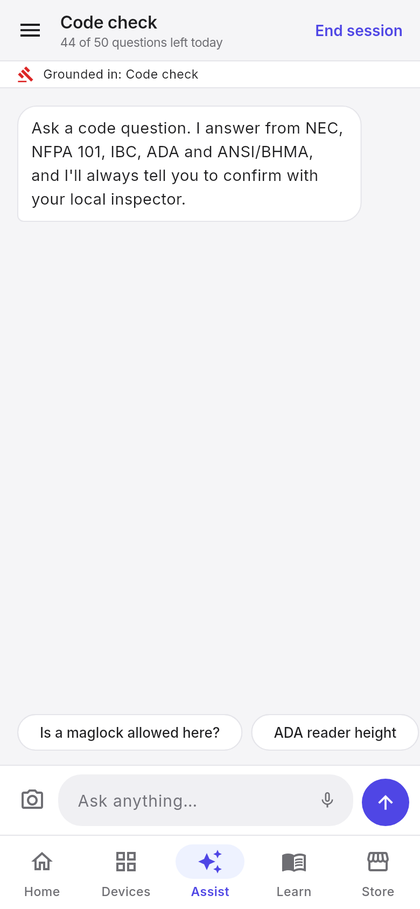
Ask a code question in plain language and get an answer that cites the section — NEC, NFPA 101, IBC, ADA and ANSI/BHMA — and reminds you to confirm with the inspector.
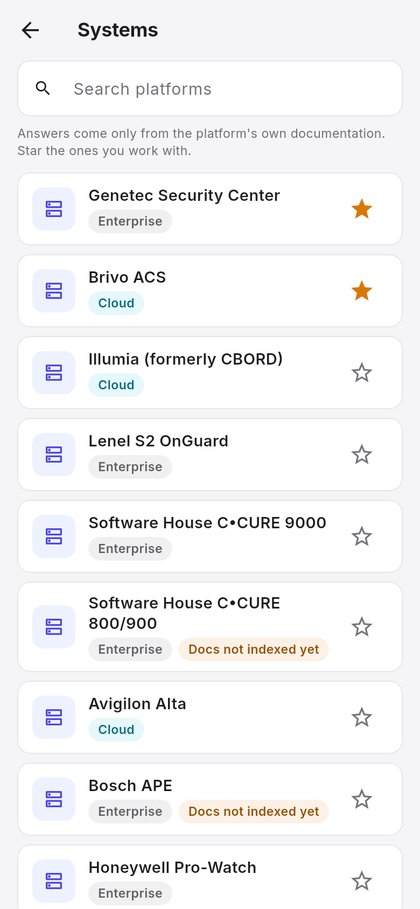
Guided tasks for 14 access control platforms — OnGuard, Genetec, C•CURE, Avigilon Alta, Brivo, Gallagher, Verkada and more — answered from that platform's own documentation.
Pick two or three devices and get a terminal-by-terminal plan with wire specs and a diagram — controller to reader to strike, safety notes first.
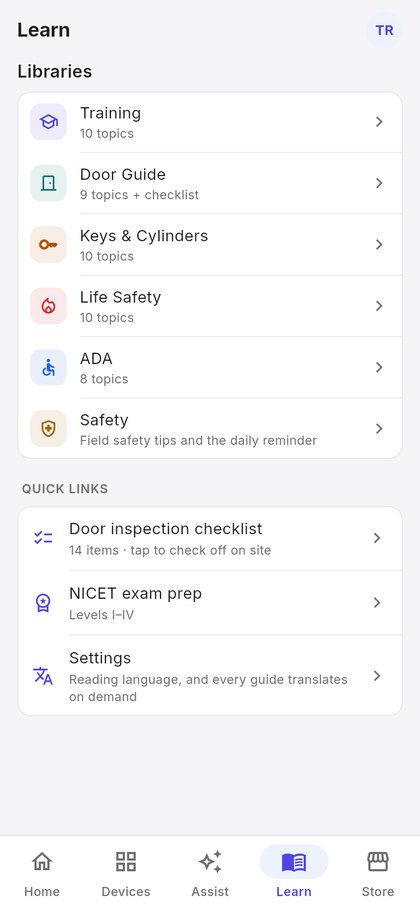
Five libraries — Training, Door Guide, Keys & Cylinders, Life Safety, ADA — plus a door inspection checklist, NICET prep and 200 safety tips with a daily reminder.
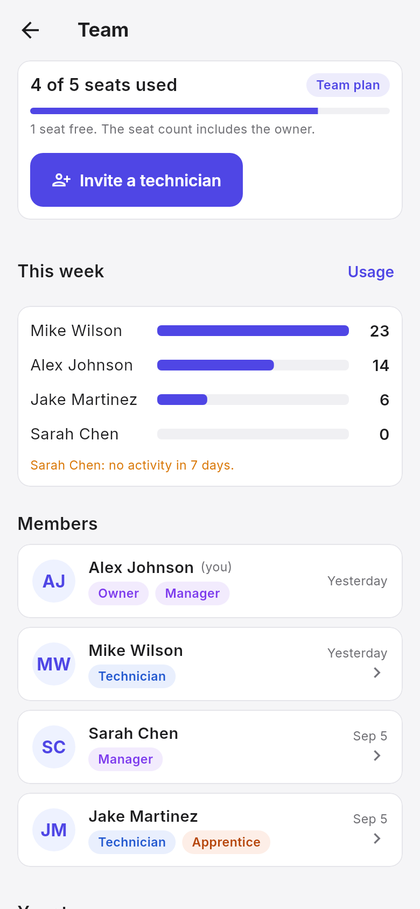
One subscription for the crew. Technicians join with an invite code; managers see who is active, flag apprentices and handle billing on the web.
Big targets, high contrast, and voice in both directions — for a technician on a ladder, not a desk.


Install the Android app and sign up with an email and password or your Google account.
Create your company's team and get a 7-day trial with up to 10 seats — or enter the invite code your manager sends and you are in.
Type a model number, describe a fault, hold the mic, or point the camera. Answers arrive with the source they came from.
Pick a plan when the trial ends. Invite technicians, mark apprentices for more detailed answers, and see activity across the team.

The subscription owner is the team's manager. Everyone on the team shares one plan, one device catalogue and one monthly AI allowance — and you can see how it is being used.
Start with a 7-day free trial — no card needed. Subscribe on the web when the trial ends. Plans differ only by how many people can be on the team.
Prices in USD, billed through Creem. The seat count includes the owner. Need more than 40 seats? Talk to us about a custom plan. Plans are bought and managed on the web at app.arklysolutions.com/app. Cancel any time — you keep access until the end of the period you paid for.


Teams that subscribe during 2026 are flagged as founding members. Prices will rise as ArklyTech grows; founding members keep the rate they signed up at.
Android today. iOS is in preparation.
Google Play listing coming soon
Until the listing is live, install the app directly. Android will ask you to allow installs from your browser the first time.
The iOS version is being prepared for the App Store. Leave your email and we will tell you the day it is available.
Notify meAndroid now, as a direct download while the Google Play listing is finalised. iPhone is in preparation.
Correct. Start a team and you get 7 days of everything, up to 10 seats, with nothing to enter. When it ends you choose a plan inside the app.
From the device catalogue and 986 manufacturer documents we have indexed — installation guides, wiring specifications and spec sheets. Each answer names the document it used.
The device catalogue stays open — search, wiring, install notes and common issues. A technician at a panel never loses the reference they had yesterday. The AI features, photo ID, diagrams, Learn and Store need an active plan.
Yes — the whole app, the device cards, the guides and the AI answers. Each person picks their own language.
Yes, from Settings → Delete account, or from this page without the app. Everything goes, and any subscription you own is cancelled first.
No card, no commitment. Install the app and look up your first device in under a minute.
Get the app